











Google Search Console is rolling out a cool new experiment in its Insights report. It’ll give you a single dashboard to track your Google Search performance across both your website and social media channels. Right now, it includes data from YouTube, TikTok, and Instagram.
Why This Update Matters
Companies today spread their digital footprint across websites and social media sites. People love quick bites of content on these platforms, from short videos to eye-catching posts. Google recognizes this shift and built the new Search Console Insights to blend it all together. No more hopping between tools, you get a single dashboard for real insights.
Key Insights at Your Fingertips
The update packs familiar metrics tailored for each social channel linked to your site. Here’s what stands out:
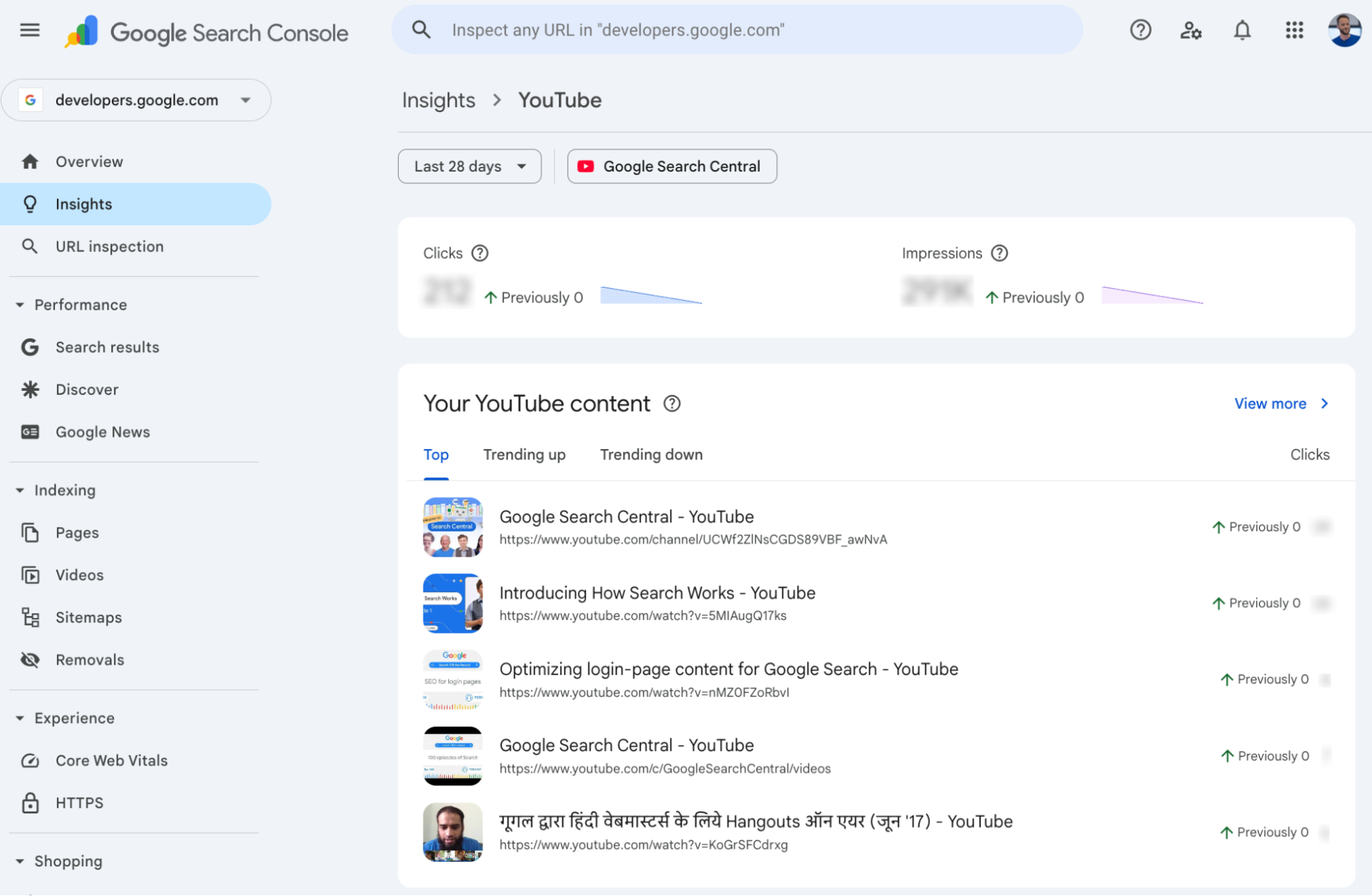
- Total reach: Track clicks and impressions that funnel Google users straight to your social profiles.
- Content performance: Spot your top-performing pages on social channels, plus which ones are climbing or dropping.
- Search queries: See the most popular and rising searches that lead folks to your profiles.
- Audience location: Pinpoint top countries clicking through to your social channels in Google results.
- Extra traffic sources: Check clicks from Image Search, Video Search, News Search, and Discover hitting your site.
These details help paint a full picture of how your content performs across the board.
How the Rollout Works
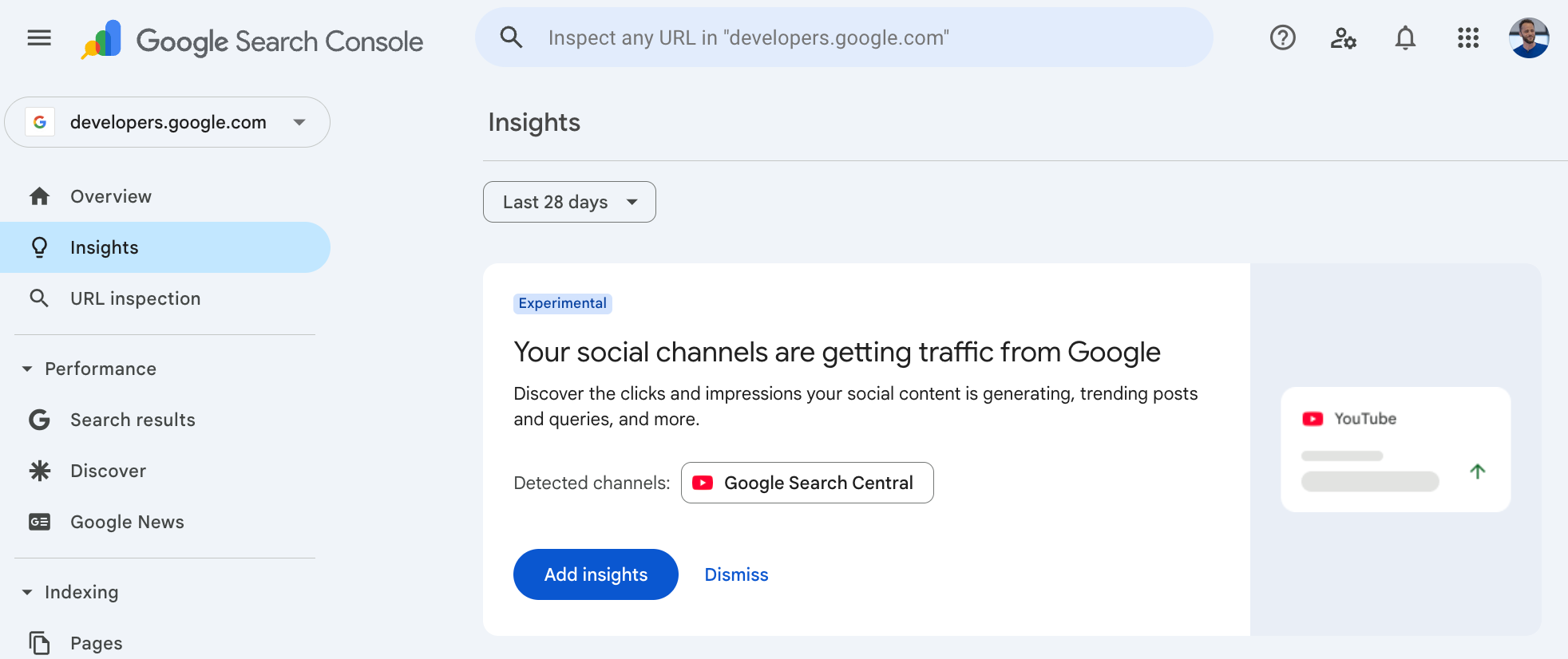
This feature starts small, hitting a select group of websites first. Search Console picks them automatically based on linked channels. When it’s your turn, head to the Insights report, you’ll see a prompt to add those auto-detected social channels tied to your site. Just follow the steps, and the data flows in seamlessly.
Keep an eye on your dashboard; the integration happens right there without extra hassle.